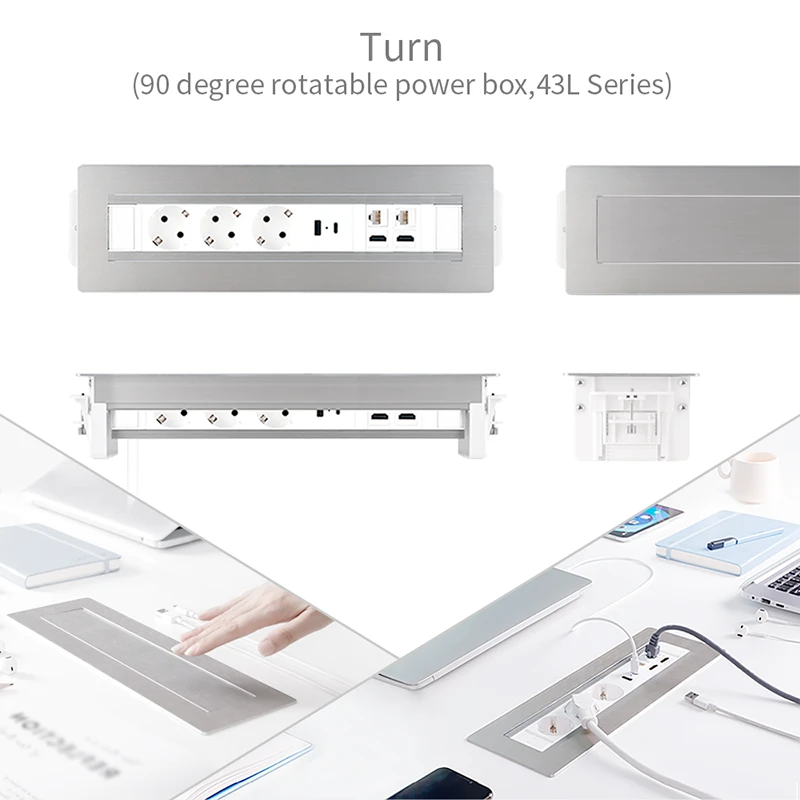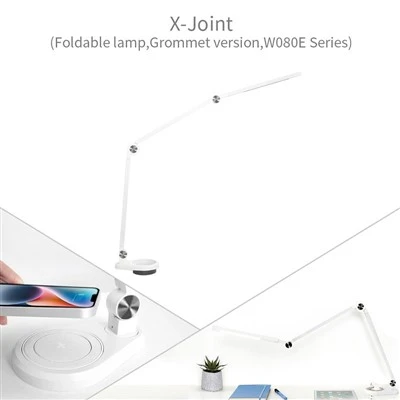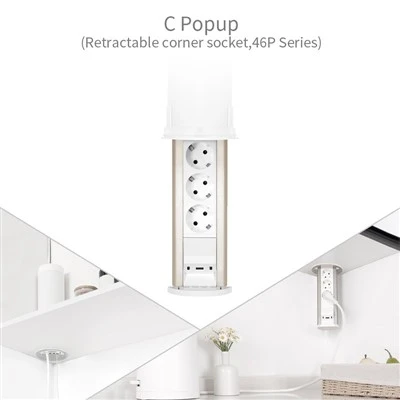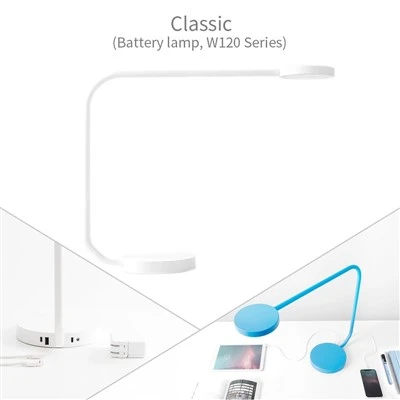
With the increasing demand for convenient power access in modern offices, smart homes, and commercial spaces, desktop sockets have become a widely used electrical solution for workstations, conference tables, hotel furniture, and home office areas. Thanks to their space-saving design and practical functionality, these products provide an efficient way to organize power connections. Proper daily maintenance is essential to ensure reliable operation, improve safety, and extend the service life of desktop sockets.
Regular cleaning is one of the most important maintenance practices. During long-term use, dust and small particles may accumulate around the surface or inside connection areas, which can affect performance and cause poor electrical contact. Users should regularly inspect and clean the socket surface and ports with a dry, soft tool. The use of wet cloths or corrosive cleaning products should be avoided to prevent moisture or chemicals from damaging internal components.
Checking the condition of connection ports is also an important part of routine maintenance. Due to frequent plugging and unplugging, power outlets, USB ports, and other connection components may experience wear, looseness, or unstable contact over time. Users should pay attention to signs such as difficult insertion, unusual heat generation, or unstable charging performance. If any abnormal condition is detected, the product should be stopped and professionally inspected to prevent potential safety issues.
Proper usage habits can significantly extend the lifespan of desktop sockets. Users should avoid connecting electrical devices that exceed the rated power capacity and should not operate the socket under continuous overload conditions. Excessive pulling or bending of power cables should also be avoided, as this may damage internal wiring. For multifunctional desktop sockets with features such as USB fast charging and wireless charging, users should follow the manufacturer's operating instructions to ensure safe and efficient performance.
In addition to user maintenance, regular inspections are necessary in commercial environments. Offices, conference rooms, hotels, and other high-use locations should establish routine checks for wiring conditions, safety performance, and functional operation. Early detection of potential problems helps maintain stable equipment performance and reduces operational risks.
As smart workplaces and digital lifestyles continue to develop, desktop sockets are becoming more advanced and multifunctional. Proper maintenance and standardized usage can improve product durability, reduce safety risks, and create cleaner, safer, and more efficient power environments. In the future, with the integration of intelligent monitoring and remote management technologies, desktop socket maintenance will become more convenient and automated, providing stronger support for modern living and working spaces.